AI
GetSheetAI
Features
Pricing
Download
Blog
English
English
日本語
Deutsch
Español
简体中文
Français
Português (Brasil)
한국어
Italiano
العربية
Nederlands
Polski
Get the add-in
Home
›
Blog
› Excel Automation
Excel Automation
Hand repetitive spreadsheet work to automation — no scripting required.
Excel Automation
Excel Automation · October 11, 2026 · 5 min read
How to Compare Two Excel Sheets for Differences
Compare Excel sheets by a unique ID to find changed values, added rows, and missing records. Follow a worked example, handle duplicates, and use a scoped AI prompt.
Excel Automation · October 3, 2026 · 3 min read
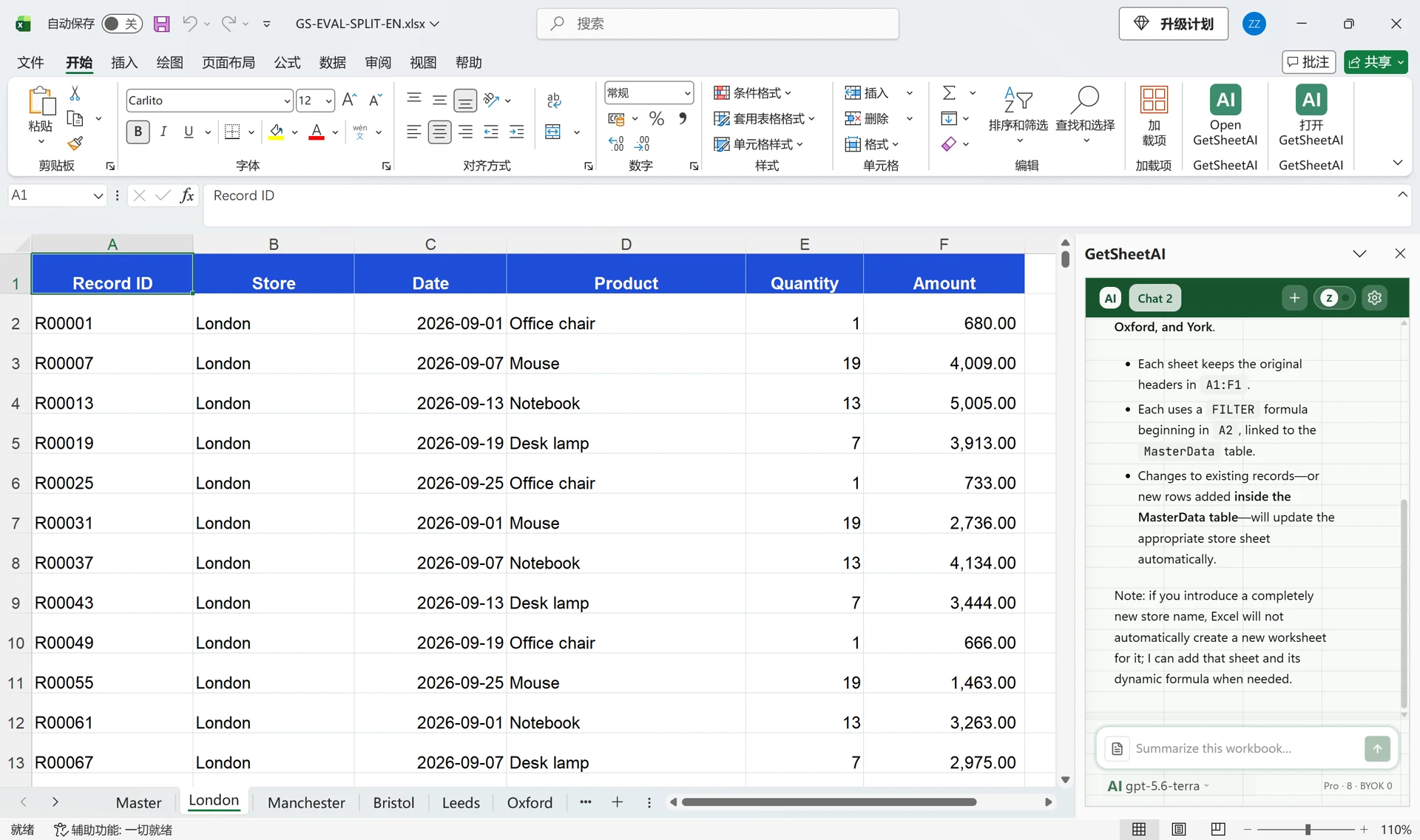
Split Excel Data into Separate Sheets with AI: 5,000 Rows
Split 5,000 Excel rows into six store worksheets with GetSheetAI. Keep headers, link the results to the master table, and update them when records change.
Excel Automation · September 27, 2026 · 3 min read
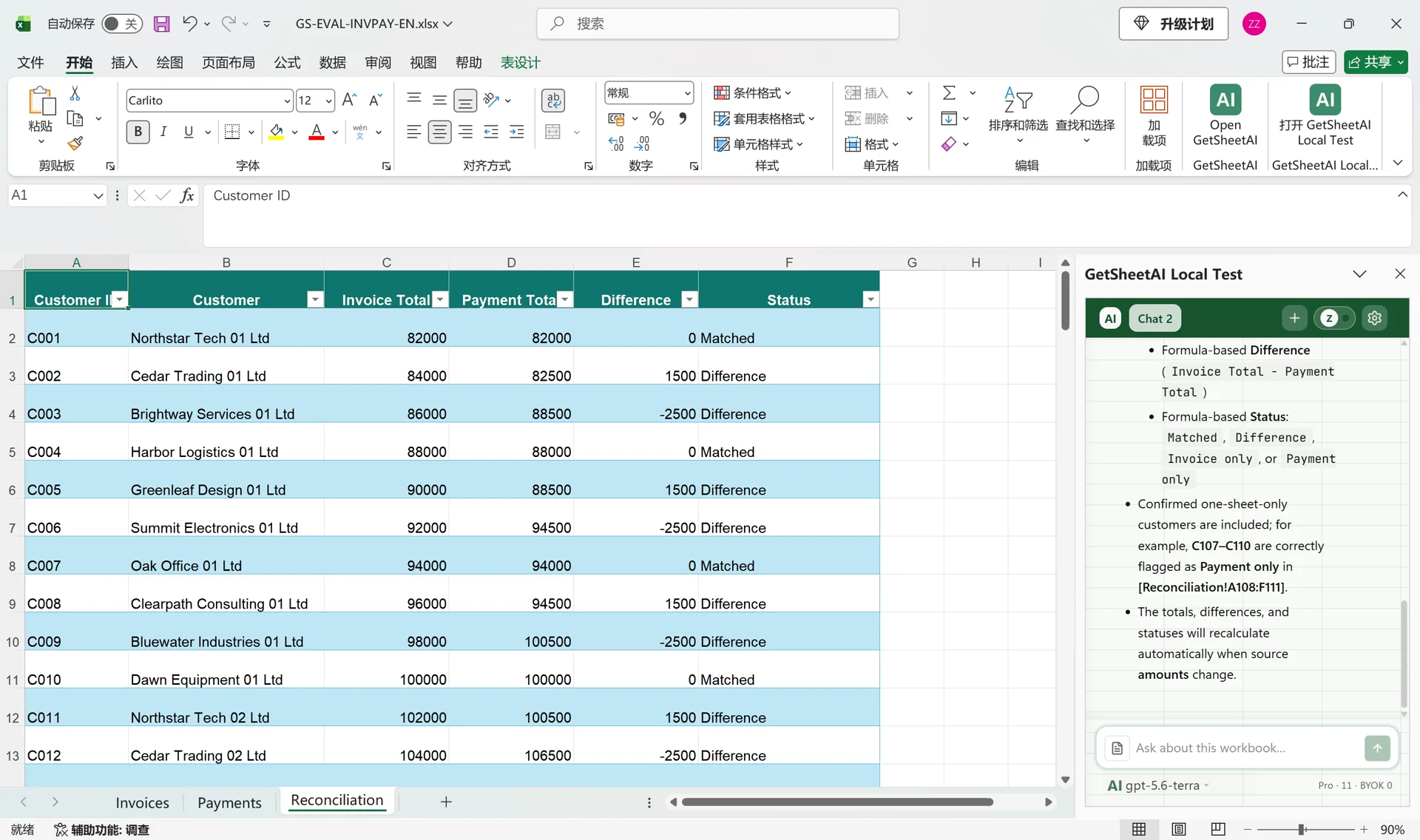
Reconcile Invoices and Payments in Excel with AI
Turn 4,000 invoice and payment rows into a filterable Excel reconciliation table with GetSheetAI: 110 customers, SUMIFS totals, and live differences.
Excel Automation · September 24, 2026 · 2 min read
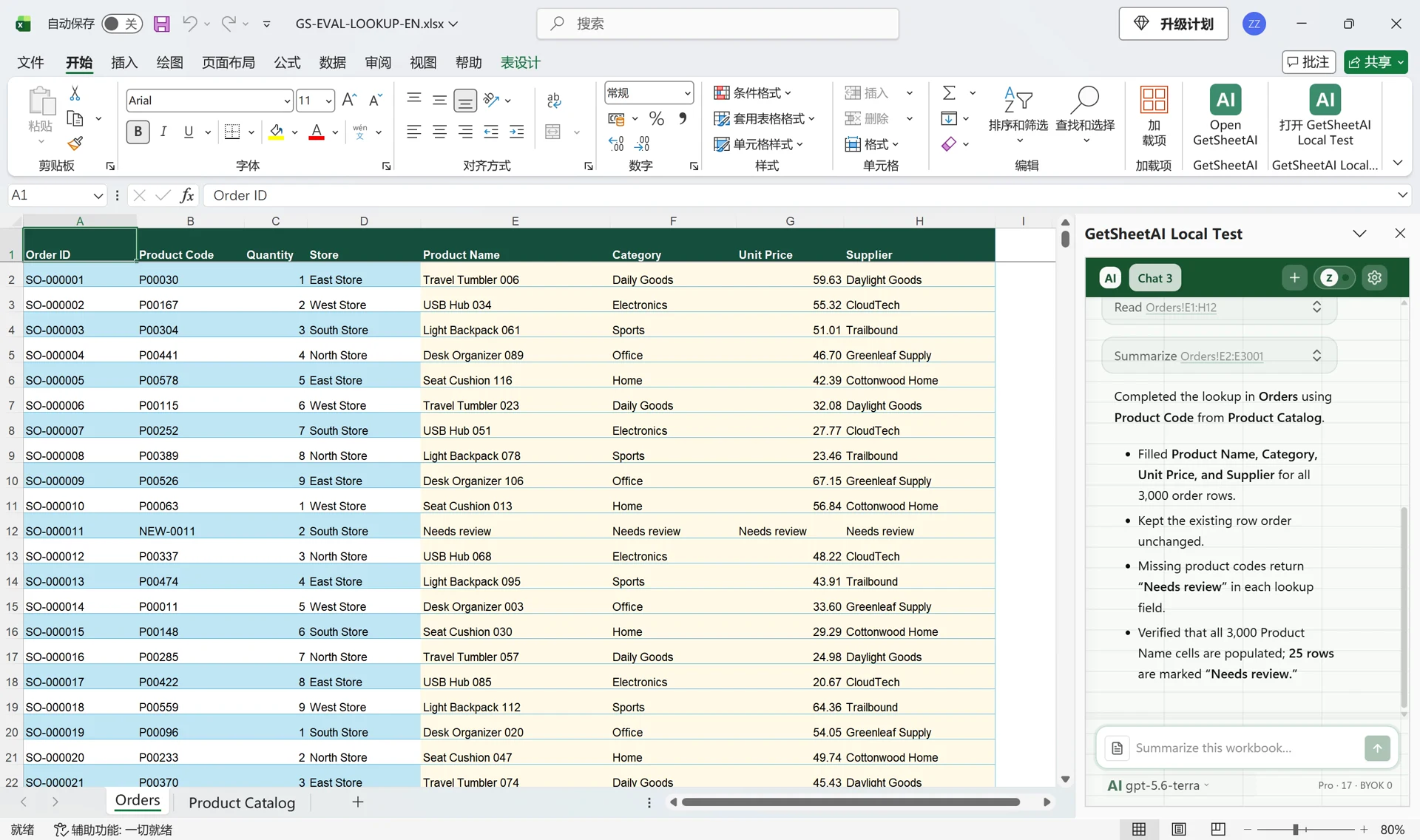
Match Four Columns Across 3,000 Excel Orders with AI
Use GetSheetAI and GPT to match 3,000 orders to a product catalog, fill four columns, and flag missing product codes without writing lookup formulas yourself.
Excel Automation · September 24, 2026 · 3 min read
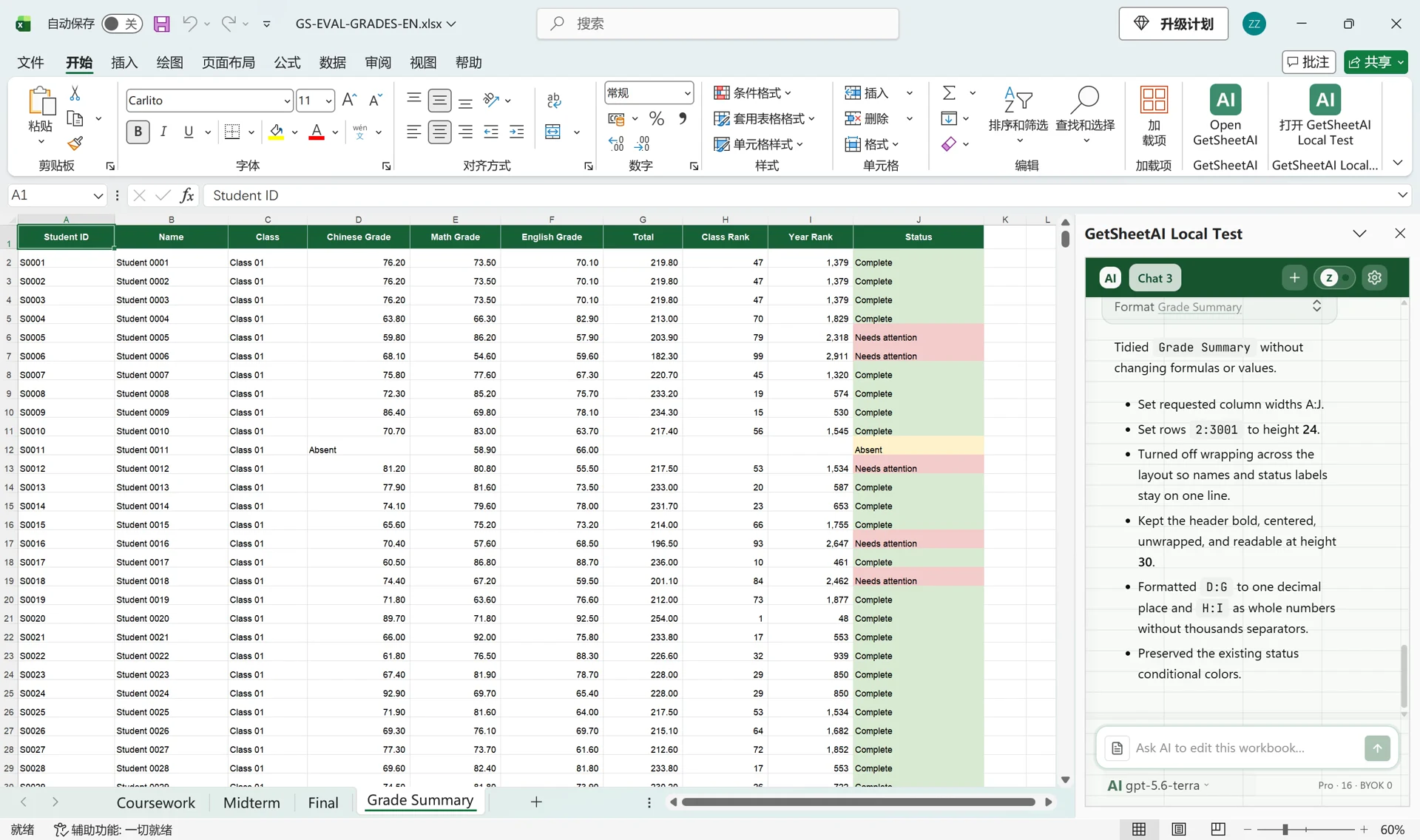
Calculate Weighted Grades and Rankings for 3,000 Students in Excel with AI
A real GetSheetAI Excel demo: match three grade sheets by student ID, apply 20/30/50 weighting, calculate class and year ranks, and label missing exams.
Excel Automation · September 21, 2026 · 4 min read
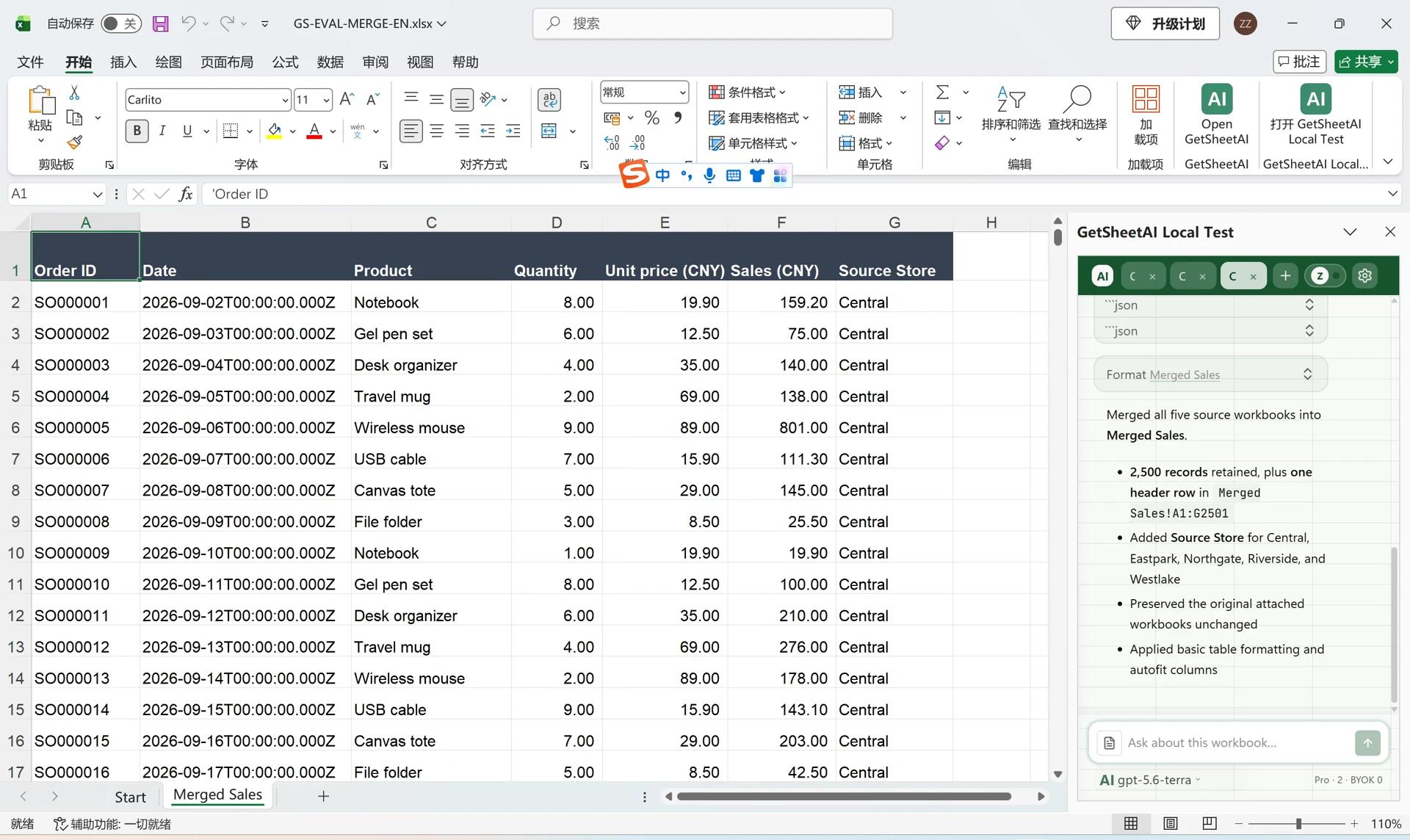
Merge Multiple Excel Files with AI: 5 Store Files, One Sales Table
See how GetSheetAI combines five Excel files into one 2,500-row sales table, keeps a source-store column, and leaves the original files unchanged.
Excel Automation
Excel Automation · August 22, 2026 · 9 min read
Healthcare Excel Automation with AI: Patient Data, Staffing, Inventory, and Reports
Learn how GetSheetAI supports healthcare Excel workflows for data quality, appointments, patient flow, staffing, quality metrics, medication inventory, equipment maintenance, billing reconciliation, and operational reporting—without starting with complex formulas or VBA macros.
Excel Automation
Excel Automation · August 21, 2026 · 8 min read
AI Excel for Education: Grades, Attendance, Scheduling, and Reports with GetSheetAI
See how GetSheetAI is developing education-focused Excel workflows for student rosters, gradebooks, attendance, exams, scheduling, staff workload, and school reports—using plain-language instructions instead of complex formulas and macros.
Excel Automation
Excel Automation · August 21, 2026 · 5 min read
Development Log: What a 120,000-Row Spreadsheet Actually Breaks
A working session on a spreadsheet of 121,254 rows and 1.8 million cells, and the five separate things that had to change before a large cross-table analysis could finish, verify its output, and return a usable formatted report.
Excel Automation
Excel Automation · August 19, 2026 · 3 min read
Development Log: Large Google Sheets Analysis and Automatically Formatted Reports
How GetSheetAI now routes very large Google Sheets analyses through durable jobs, avoids browser-bridge limits, verifies results, and formats generated reports automatically.
Excel Automation
Excel Automation · August 18, 2026 · 3 min read
Development Log: Verifiable Excel Workflows, from Preview to Finished Report
A detailed look at GetSheetAI's new Excel business workflows, safer writeback, automatic recovery, and result-first completion checks — including what the system can and cannot do.
Excel Automation
Excel Automation · July 7, 2026 · 5 min read
Excel Automation Without Macros: 7 Repetitive Tasks You Can Delegate to AI
You don't need VBA to automate weekly report cleanup, formula filling, categorization, and summaries. Seven concrete Excel tasks you can hand to an AI sidebar assistant — and what to check afterward.