Development Log: Large Google Sheets Analysis and Automatically Formatted Reports
How GetSheetAI now routes very large Google Sheets analyses through durable jobs, avoids browser-bridge limits, verifies results, and formats generated reports automatically.
This Google Sheets release focused on a failure mode that only appears when a spreadsheet stops being small: a request that works on a few thousand cells can become hundreds of browser-to-Sheets calls on a large table.
GetSheetAI now recognizes oversized analysis and summary requests early, moves them to a durable background job, and returns a finished report with basic presentation formatting. The aim is not to make an error message prettier. It is to choose an execution path that can finish the work.
Large requests take a durable path
Analysis and summary requests above 100,000 cells are now routed to the background-job system. This prevents a model's tool-selection mistake from trying to paginate a 120,000-row range through hundreds of sidebar bridge calls.
The durable route stores task state, reads the source in bounded chunks, and lets the sidebar reconnect to progress. If an oversized preview is requested through the wrong path, the runtime returns a recoverable routing result so the agent can continue with the background tool instead of ending the conversation on a bridge error.
This matters for long-running work such as group summaries, large-table profiling, anomaly checks, and report generation. The visible chat remains the control surface, but the browser tab is no longer responsible for holding the whole job together.
The analysis engine uses bounded memory
Large arrays expose implementation details that small examples hide. Flattening a very large range or spreading it into a statistics function can exceed the JavaScript call stack and duplicate a substantial amount of memory.
The range analyzer now uses a one-pass accumulator for counts, totals, minima, maxima, and other summary values. Data is processed incrementally instead of being copied into one giant temporary array.
The deterministic expression layer also gained comparison operators and IF(condition, true_value, false_value) support. That allows more filtering and conditional calculations to stay in the checked arithmetic path rather than depending on free-form model calculation.
Generated reports receive a readable default style
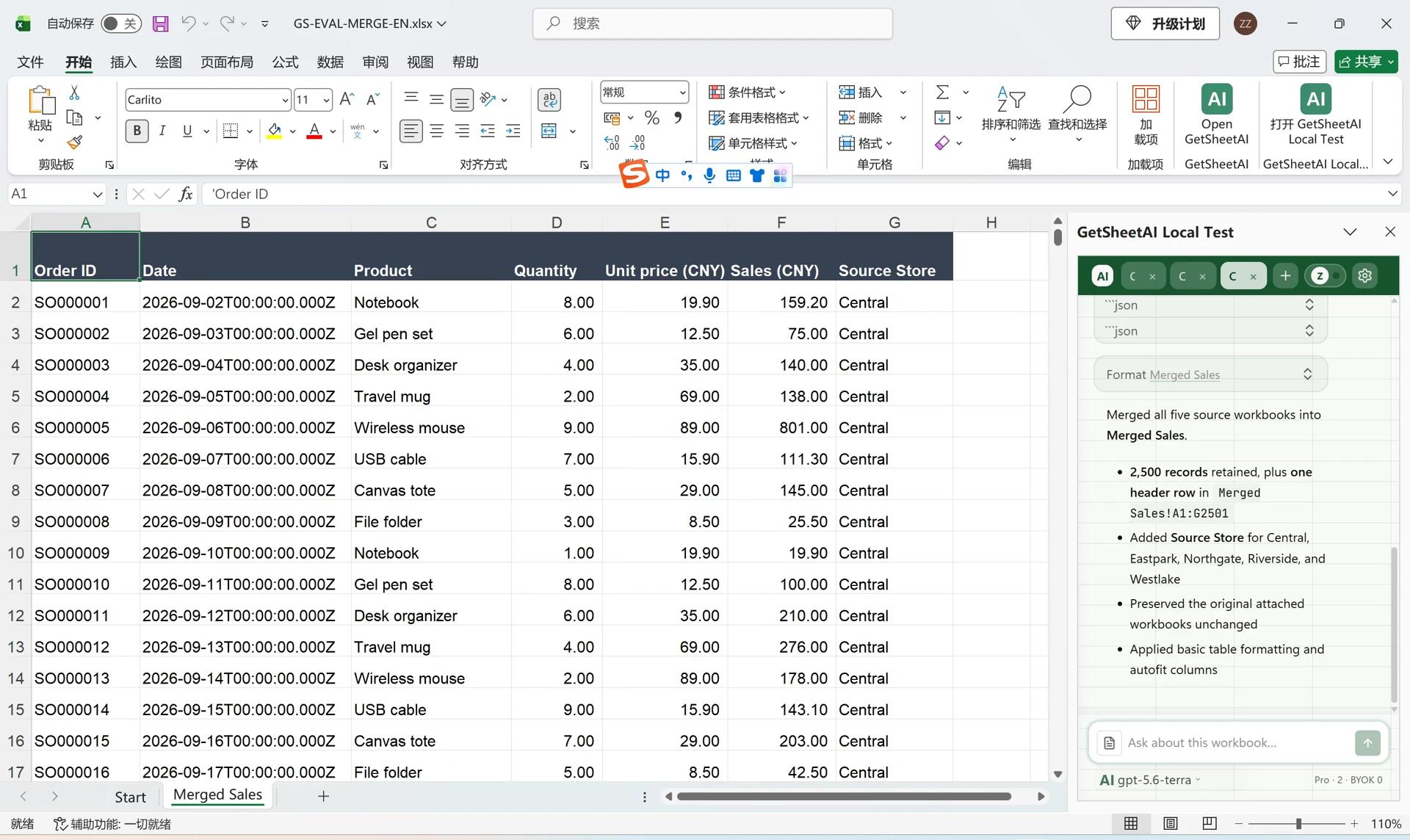
When an analysis creates a new report sheet, GetSheetAI now applies a basic presentation pass automatically:
- dark green headers with white text;
- wrapped header labels;
- automatic column sizing;
- inferred integer, decimal, and percentage number formats.
Formatting runs after report data has been written and verified. If presentation formatting is temporarily unavailable, the verified data remains successful and only the formatting step can be retried. The report is also marked as already presented, preventing a second redundant formatting pass.
The purpose is modest but important: a generated report should be readable when it arrives. Users can still ask for a different brand style, chart, layout, or number format afterward.
Progress and identity are easier to diagnose
Long-running tasks now report the active tool more truthfully. The production runtime release identity is included in debug exports, which helps separate a cached sidebar from the current hosted runtime when diagnosing a problem.
The user-facing experience stays concise: it shows what stage is active without exposing raw parameters or internal payloads. Underneath, release identity and durable-job state give support enough evidence to distinguish a stale client, an interrupted bridge, and a real analysis failure.
Current capability values and limits
The important operating values in this release are:
- durable routing threshold: more than 100,000 cells for analysis and summaries;
- verified production regression coverage: 92 Google Sheets tests after automatic formatting was added;
- report formatting: headers, wrapping, width adjustment, and common numeric formats;
- execution safety: bounded reads, one-pass statistics, recoverable routing, and verified writeback.
The durable route does not make every possible sheet unlimited. Google Apps Script quotas, model context limits, workbook structure, and extremely wide or irregular data can still constrain a task. The difference is that large, supported jobs now have an execution path designed for their size.