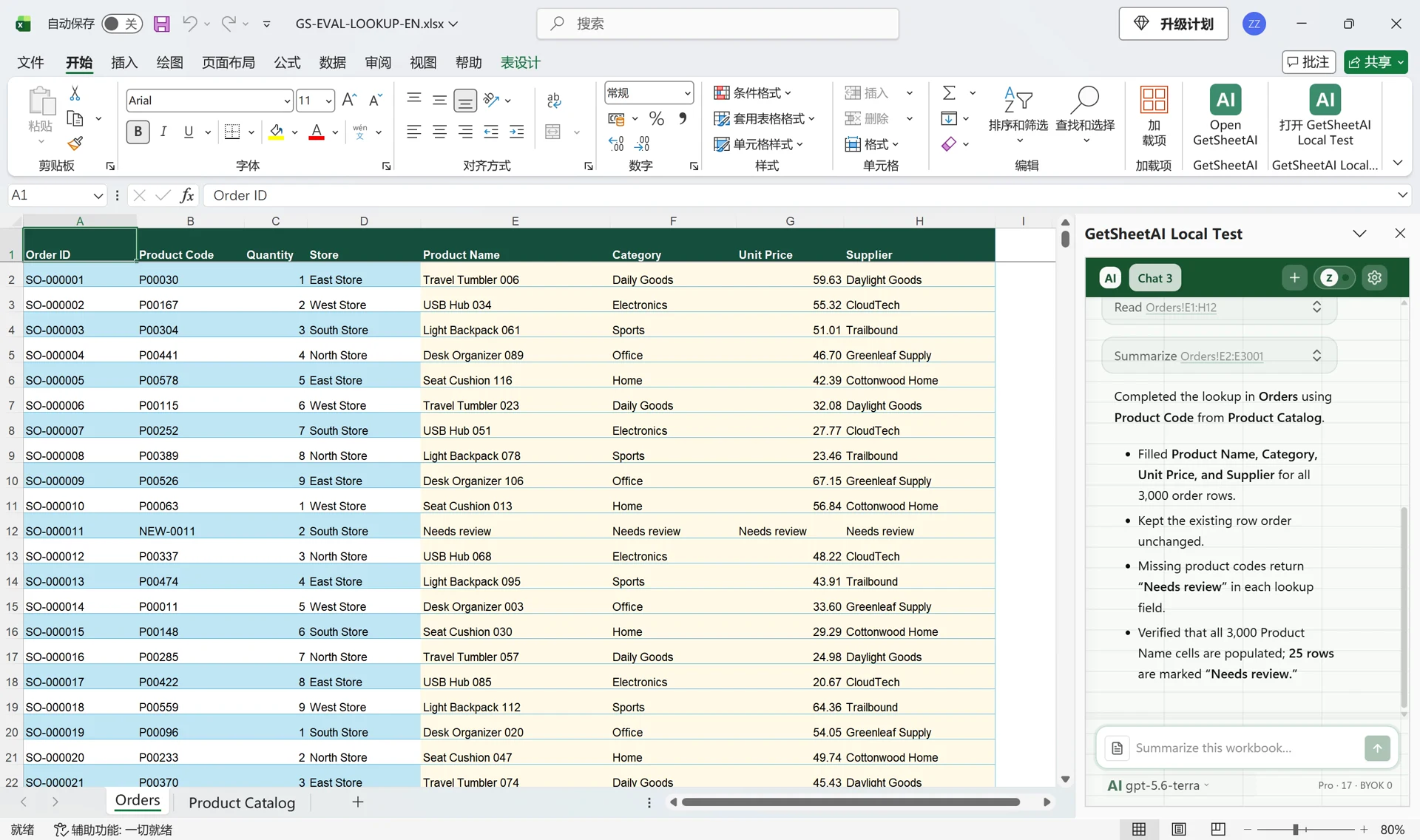
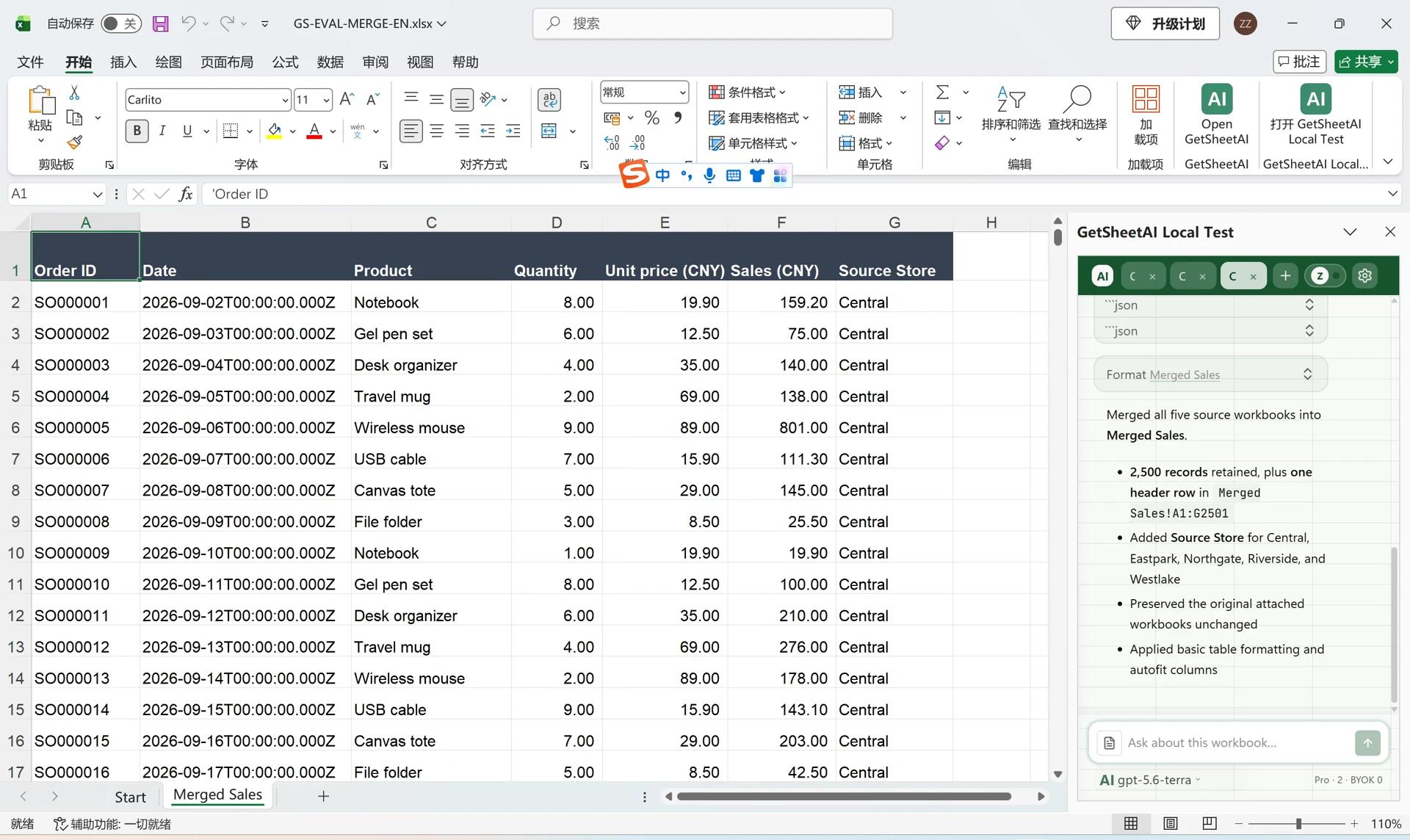
학생 3,000명의 가중 성적과 순위를 Excel에서 AI로 계산하기
GetSheetAI로 세 성적표를 학번 기준으로 연결하고 20/30/50 가중 성적, 총점, 반·학년 순위와 결시 상태를 정리하는 실제 Excel 데모입니다.
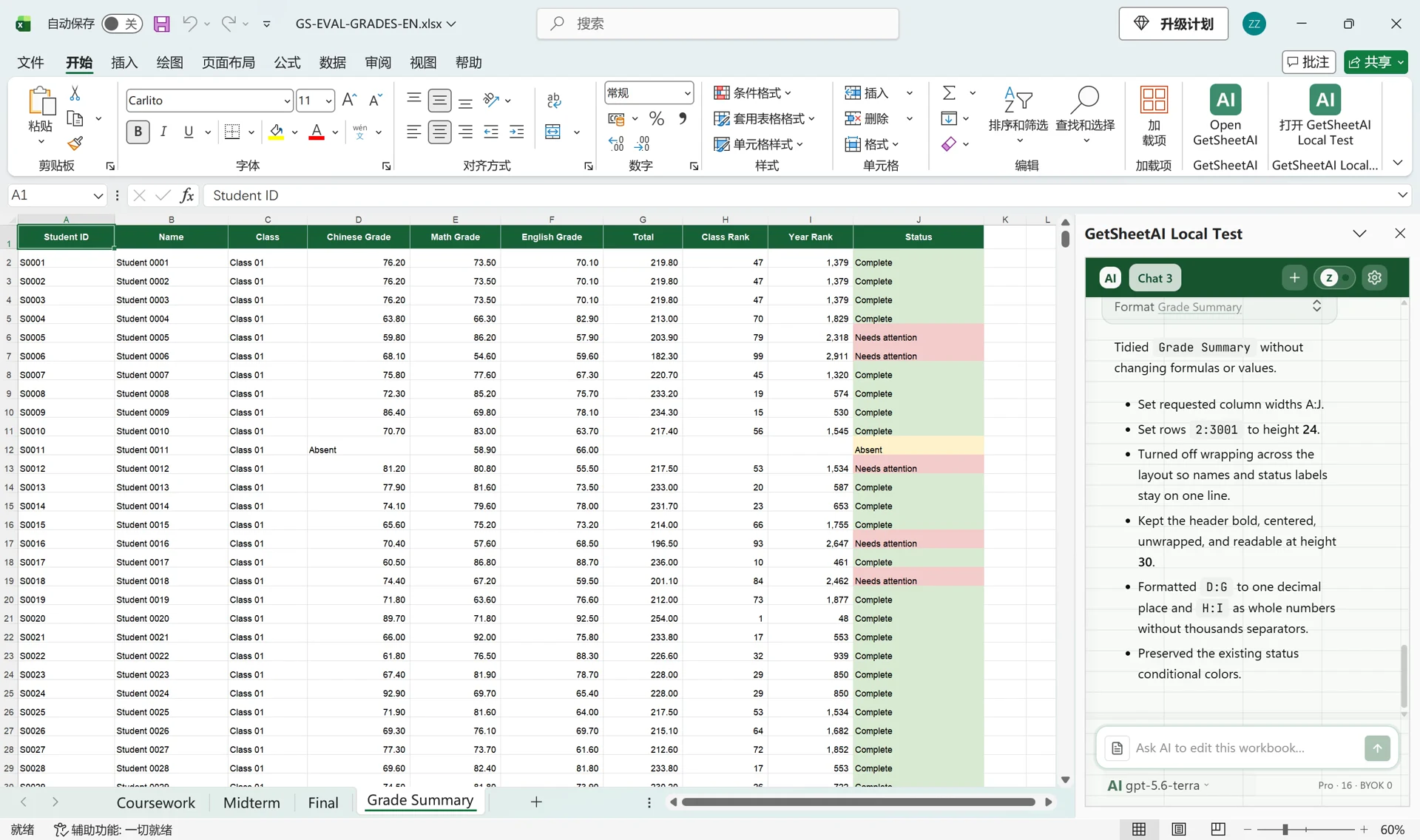
고객 정보가 아닌 모의 데이터를 사용한 개발자의 로컬 시연 화면입니다. 원래 앱 화면을 유지했습니다. 짧은 동영상에는 처리 과정을 빠르게 재생한 구간이 포함됩니다.
▶ YouTube에서 짧은 데모 보기파일 세 개, 학생 3,000명, 서로 다른 행 순서. GetSheetAI가 학번으로 연결해 Grade Summary에 성적, 총점, 순위와 색상별 상태를 정리합니다.
먼저 계산 규칙 정하기
Coursework, Midterm, Final에는 중국어, 수학, 영어 점수가 있습니다. 통합 문서에 첨부 파일과 같은 데이터가 이미 있으므로 다시 가져오지 않도록 요청했습니다.
각 과목은 20%, 30%, 50%를 적용해 소수 첫째 자리로 반올림합니다. 합계로 내림차순 순위를 계산하며 동점은 같은 순위, 다음 순위는 건너뜁니다. 결시 과목은 Absent, 총점과 순위는 빈칸입니다. 그 외에는 한 과목이라도 60 미만이면 Needs attention, 나머지는 Complete입니다.
실제로 보낸 두 요청
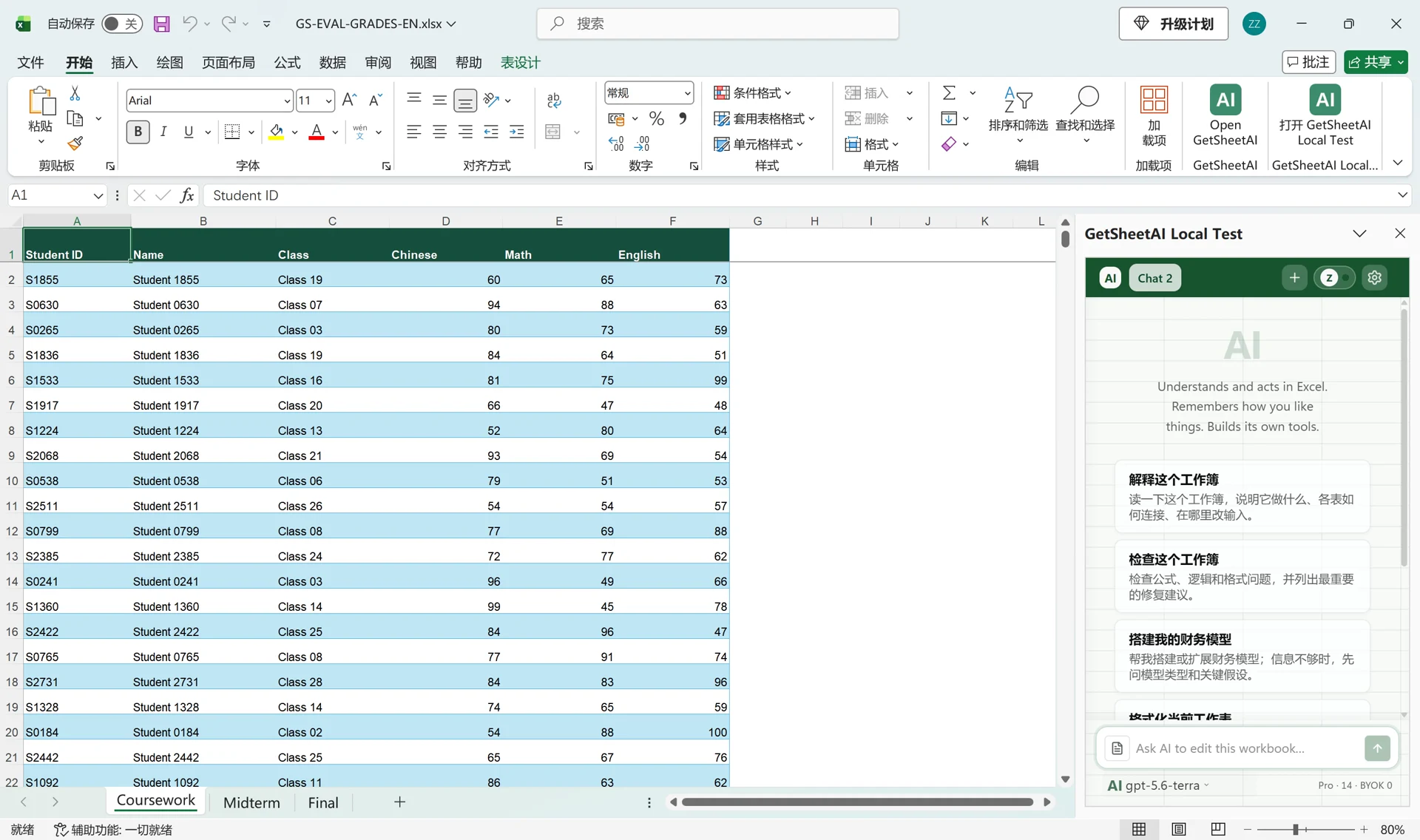
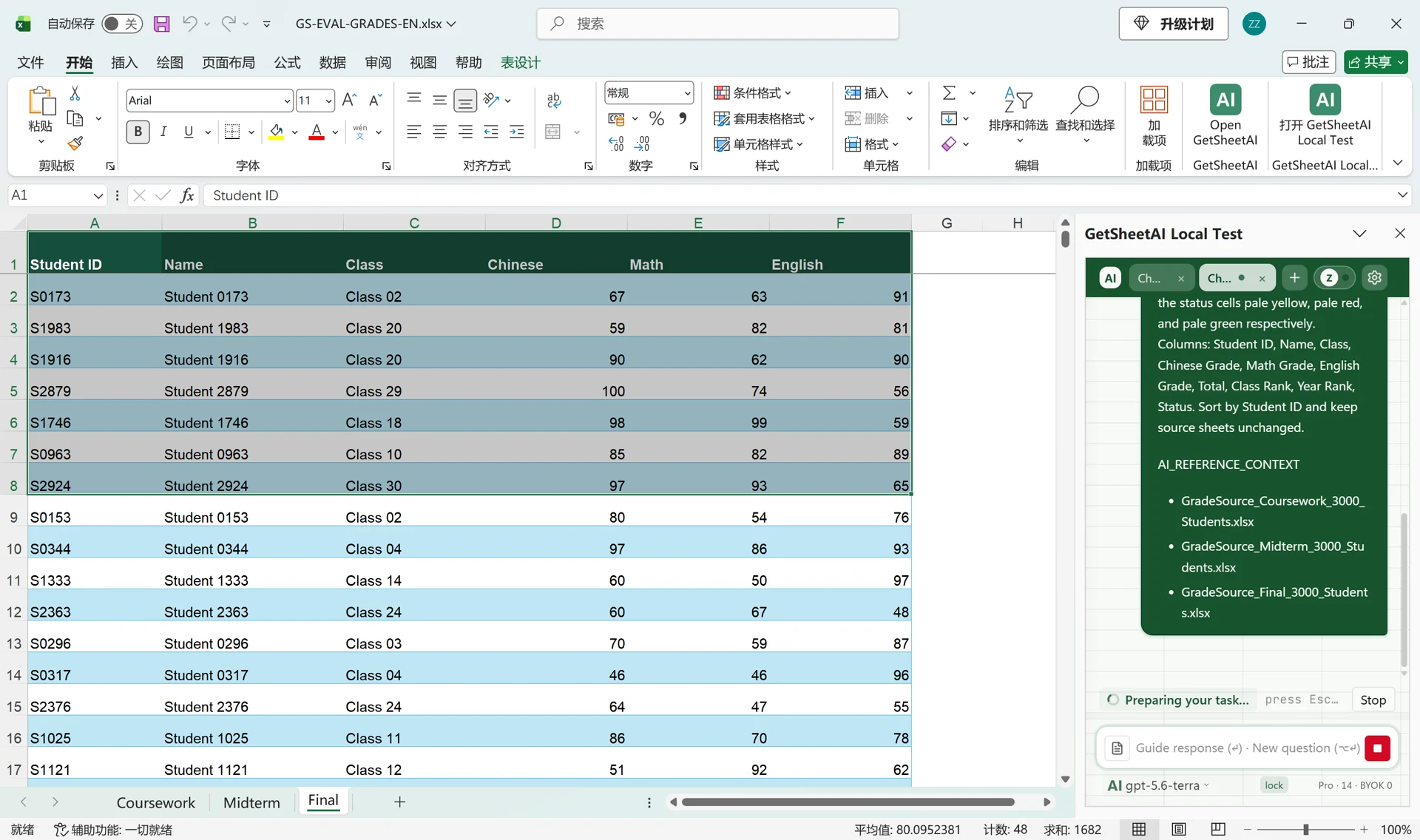
첫 요청에서 계산과 순위 규칙을 지정한 뒤 수식과 값을 바꾸지 않는 레이아웃 정리를 별도로 요청했습니다. 영어 원문 두 개를 아래에 그대로 남겼습니다.
The active workbook already contains all three complete source sheets, identical to the uploaded files; do not import them again. Match the three uploaded grade files by Student ID and summarize all 3,000 students in Grade Summary. For each subject, weight Coursework 20%, Midterm 30%, and Final 50%, rounded to one decimal; calculate the three-subject Total, Class Rank, and Year Rank. Only rows whose Total is numeric may be counted in either ranking; ignore blanks and text totals. Use descending competition ranks (ties share a rank and skip the next). An Absent entry makes that subject grade Absent; leave Total and both ranks blank and exclude incomplete students from ranking. Status is Absent for missing exams, Needs attention if any subject grade is below 60, otherwise Complete; color the status cells pale yellow, pale red, and pale green respectively. Columns: Student ID, Name, Class, Chinese Grade, Math Grade, English Grade, Total, Class Rank, Year Rank, Status. Sort by Student ID and keep source sheets unchanged.
Please tidy the Grade Summary layout without changing any formulas or values. Names and status labels should fit on one line. Use column widths A=17, B=20, C=14, D=18, E=16, F=18, G=14, H=15, I=15, J=23; set rows 2:3001 to height 24, turn off text wrapping, and keep the header readable. Show D:G to one decimal and H:I as whole numbers without thousands separators. Keep all status colors.
세 목록을 하나의 요약으로
전체 3,000명을 학번순으로 정리했습니다. Complete 2,079명, Needs attention 903명, Absent 18명입니다. 불완전한 성적은 두 순위에서 제외하며 결시를 0점으로 취급하지 않습니다. 원본 세 시트는 그대로 유지됩니다.
학교 규칙에 맞게 바꾸기
과목, 가중치, 결시와 동점 처리를 학교 기준에 맞추세요. 수동 대조와 반복 수식 작업을 줄이는 데 초점을 둡니다. 모의 데이터와 추가 서식 요청을 사용한 로컬 개발자 데모이며 고객 사례나 31초 처리 보장이 아닙니다.